Start to Code ESP32 using Arduino IDE
ESP32
📶 Beginner
🕐 1 hours to build
Start to Code ESP32 using Arduino IDE
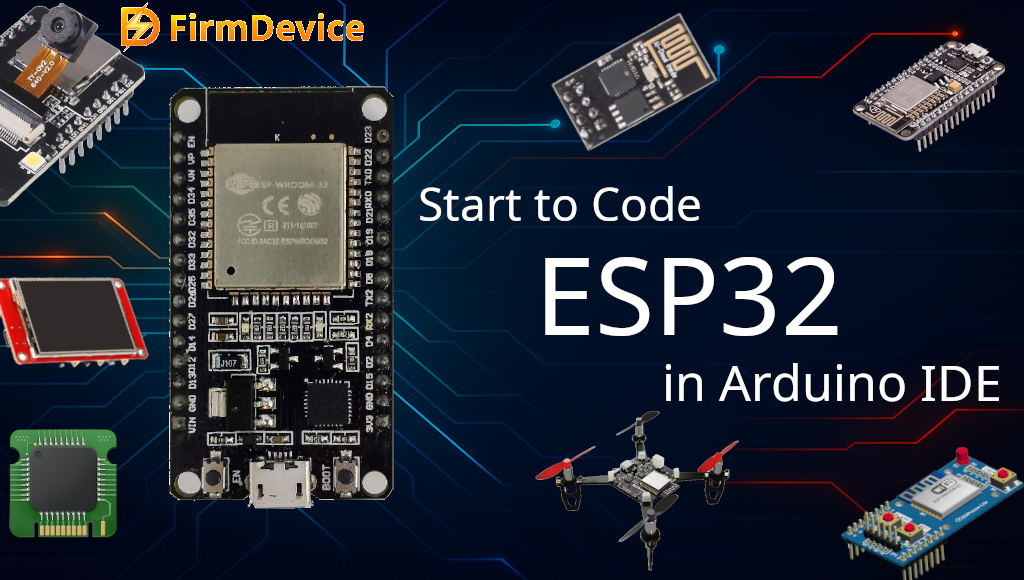
When I first picked up the ESP32, I was curious about how simple it would be to start coding it. Most of us are already familiar with Arduino boards and Arduino IDE, and the good thing is, we can use the same Arduino IDE to code and program ESP32 development board. That means we don’t need to learn a completely new environment at the beginning. Just a few steps, and we are ready to blink LEDs or build IoT projects with Wi-Fi and Bluetooth feature of ESP32 microcontroller.
In this Article, let me guide you through the complete process for Start to Code ESP32 using Arduino IDE Step by step. Our flow way is, Installing required software and board configuration, and a simple example to get your first code running.
What is ESP32?
You may ask what is ESP32? here is the simple answer, ESP32 is a powerful microcontroller from Espressif and it has,
Dual Core processor (faster than Uno)
Built in Wi-Fi and Bluetooth (most wanted features for microcontroller nowadays)
Multiple ADC, DAC, PWM pins
Multiple low power modes (Suitable for Battery powered device)
Affordable price.
These features makes ESP32 Microcontroller an ideal choice for IoT, Automation, Hobby projects, and remote devices. I think, I got it too late but then I remembered “there is no late in learning”, coming to the point, Compared to Arduino Uno or Nano this ESP32 microcontroller has way more features in the small package. Another thing there are different pin size development boards of ESP32 are available in the eCommerce site and local stores.
Step 1 : Install Arduino IDE
If you don’t already have Arduino IDE then download the latest version of Arduino IDE from the link https://www.arduino.cc/en/software/#ide. Once installed, open Arduino IDE. By default, it supports Arduino boards like Uno, Nano, Mega, but not ESP32. So, we need to add ESP32 board support manually.
Comments (0)
Log in to leave a comment.
No comments yet. Be the first!